Add a stop or depot
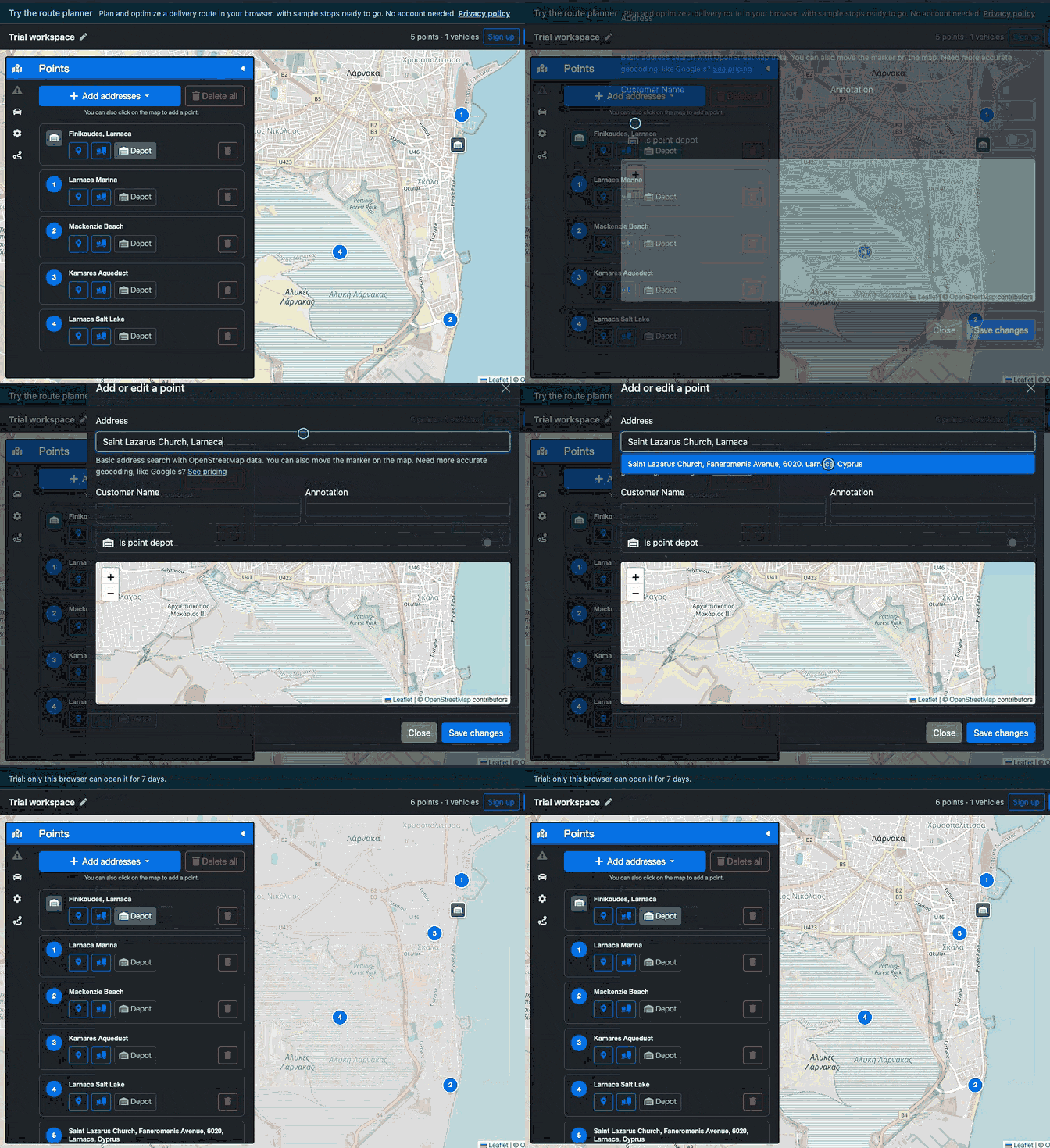
- In Points, open Add addresses and select Add a single address. You can also click the map to start with a location.
- Type in Address and select the right suggestion, or place the marker yourself. Check that the pin is where the vehicle should stop, and fill in the address field even if you position it manually.
- Turn on Is point depot if a vehicle should be able to start or end here.
- Select Save changes.
Watch how to add a stop (English)
Search for Saint Lazarus Church in Larnaca, choose the matching address, and check the pin before saving.
For several stops, paste a list of addresses.